Instructions:
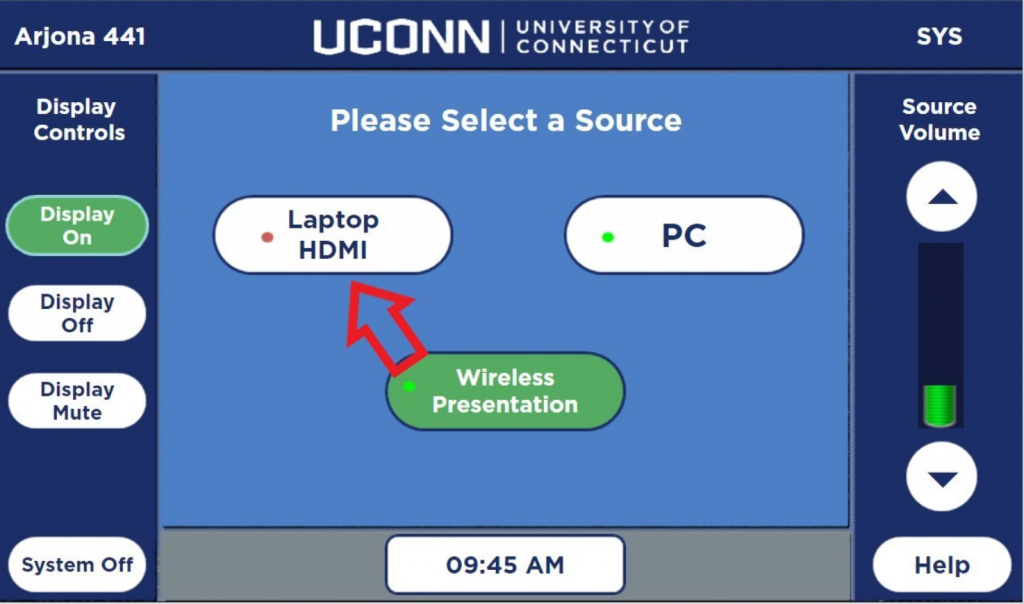
Touch the screen on the Extron Panel to wake it up
Select HDMI Laptop on the panel
Plug the usb-c adapter into your laptop

Your laptop should now be showing on the monitor
Use your preferred meeting platform to test the conference system webcam if needed
Touch the Help button on the Extron Panel if you need tech support